
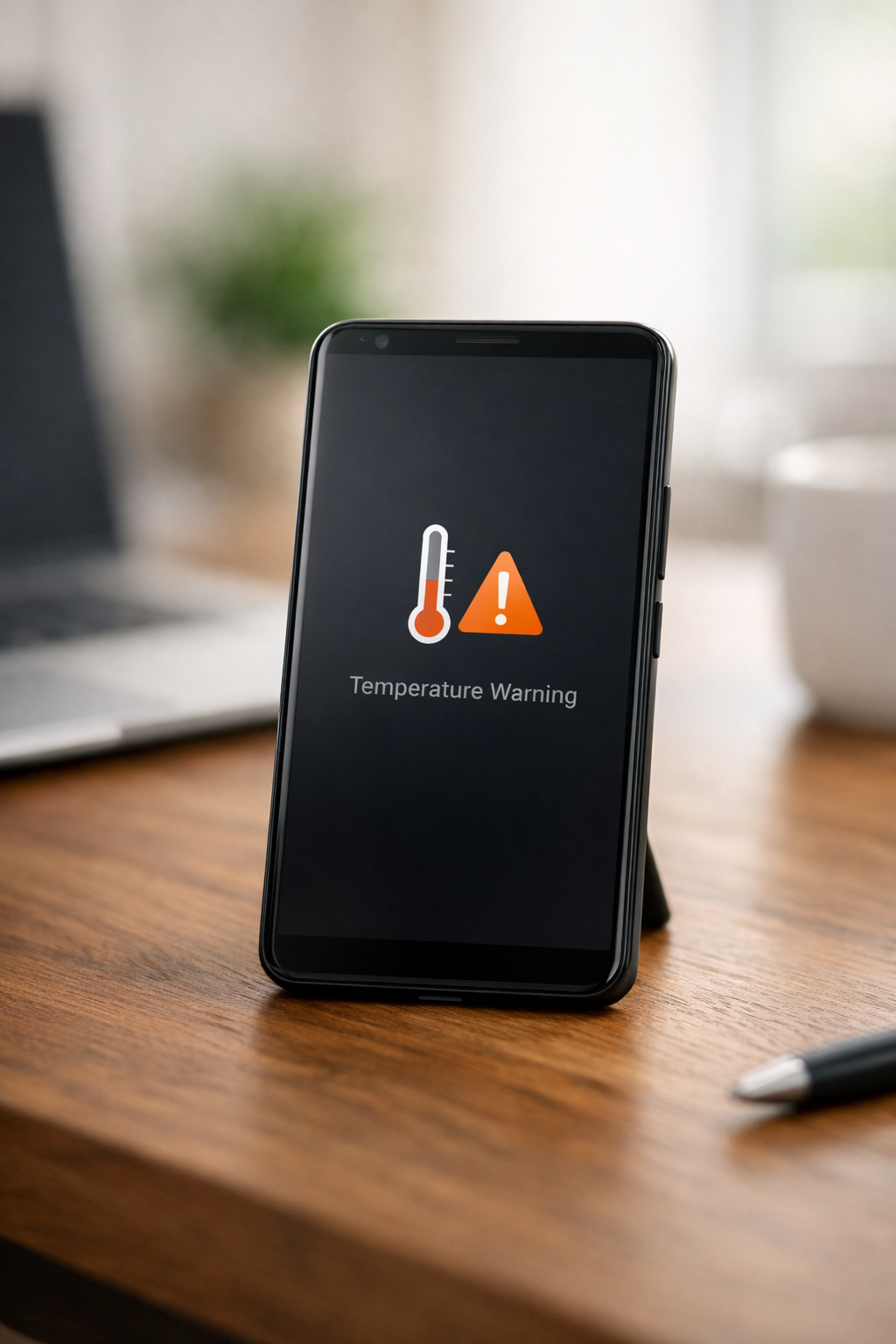
Picture this: You're in the middle of an intense video game, adrenaline pumping, when suddenly your phone feels like it's burning up in your hand. Panic sets in as you imagine the damage this heat could cause to your device. An overheating phone is more than just uncomfortable; it’s a warning sign. Excessive heat while charging, gaming, or even browsing can put your phone’s key components under stress.
Heat can quietly damage your smartphone. It can harm the battery, slow performance, and wear out hardware. Severe overheating caused by faulty batteries or chargers can even be dangerous.
Most overheating problems can be avoided. This guide explains the real causes and gives you a clear plan to cool and protect your Android phone. Here's what you'll gain: not only will you prevent damage, but you'll also enjoy a longer battery life.
What Does “Overheating” Really Mean?
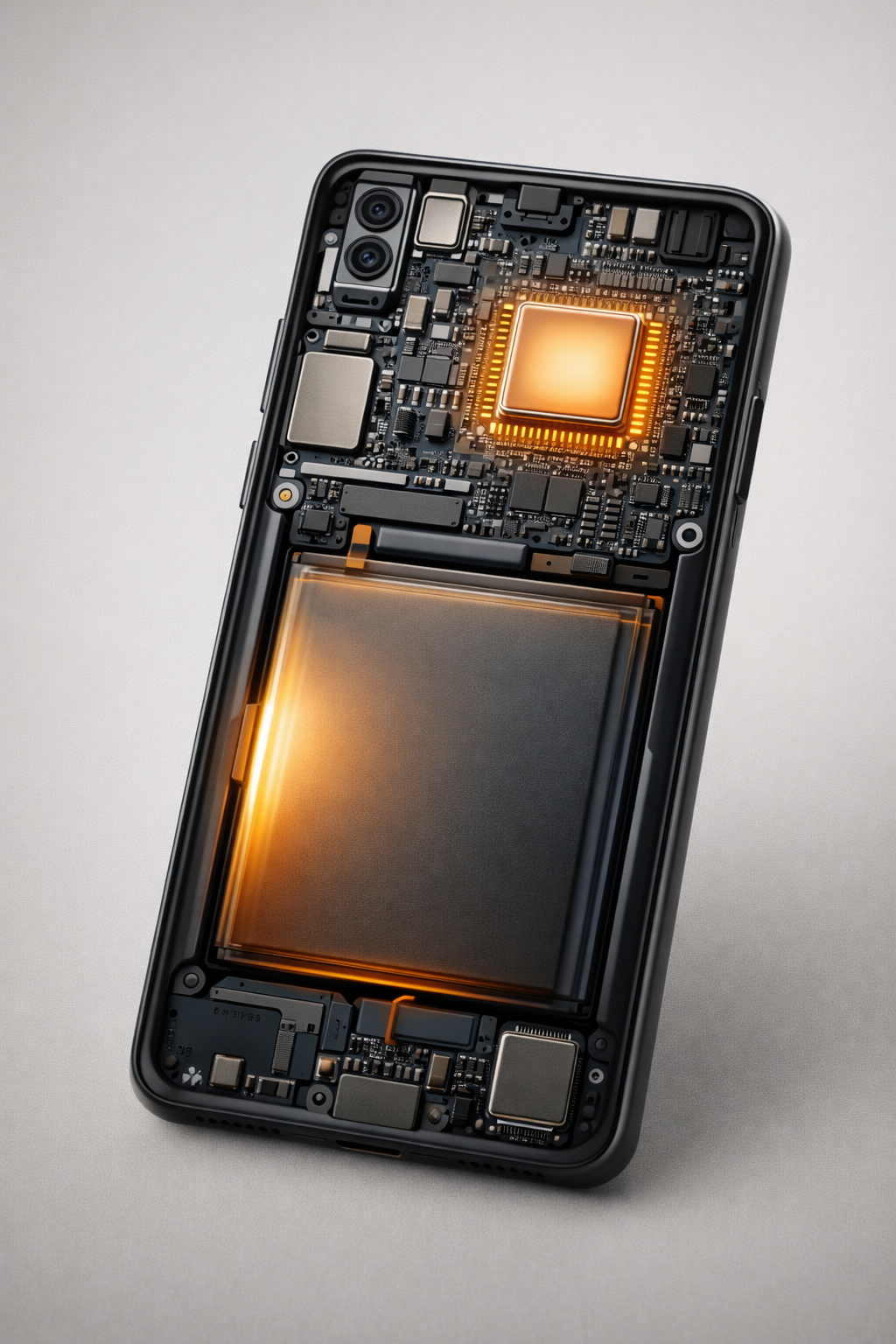
It’s normal for your phone to feel slightly warm during use. The processor, your phone's brain, handles all instructions, while the graphics chip manages the images you see on your screen. Both can generate heat, as can the screen and battery. Modern phones use built-in thermal management systems to keep temperatures within safe limits and prevent overheating.
Overheating occurs when your phone can’t cool down quickly enough. Android might slow down performance or even shut down to protect itself.
If your phone feels too hot to hold, it’s not just warm; it’s overheating.
The Top 6 Reasons Your Android Phone Is Hot (and How to Stop Each One)

Heavy Apps and Gaming : Pushing Hardware to Its Limits
High-performance tasks such as mobile gaming, video editing, and 4K streaming push your phone’s CPU and GPU to their limits. Long sessions, high graphics settings, or thick cases that trap heat can make matters worse.Fix:
Take short breaks during long sessions, lower the graphics settings in games, and close apps completely when you’re done rather than leaving them running.Rogue Background Apps : The Silent Heat Generator
Many apps keep running in the background, using power and generating heat without you noticing.Fix:
Go to the Settings menu on your Android device. From there, select 'Battery.' Next, tap 'Battery Usage' to view a list of apps using power in the background. Identify any apps that consume a significant amount of energy without being actively used. You can limit their background activity in this menu by selecting the app and adjusting its settings. If you find unnecessary apps, consider uninstalling them to improve battery performance and reduce heat generation.
Using Your Phone While Charging : The “Double Heat” Effect
Charging generates heat. Using your phone while it charges, especially for gaming or watching videos, adds even more heat and can cause it to heat up quickly. To see this for yourself, try a simple experiment: charge your phone fully without using it, then use it unplugged until the battery runs low. You'll likely notice a lower temperature than when you use it while charging. This hands-on experience highlights the double-heat effect and reinforces the importance of limiting phone usage while charging.
Try charging your phone first, then using it later. Let it charge without interruptions whenever possible and remove thick cases while charging to help heat escape.Low-Quality Chargers and Cables
Uncertified chargers can deliver unstable power to your phone, forcing it to work harder and generate extra heat.Fix:
Use the original charger or a certified, trusted alternative. Avoid unknown brands, even if they claim to charge fast for less money.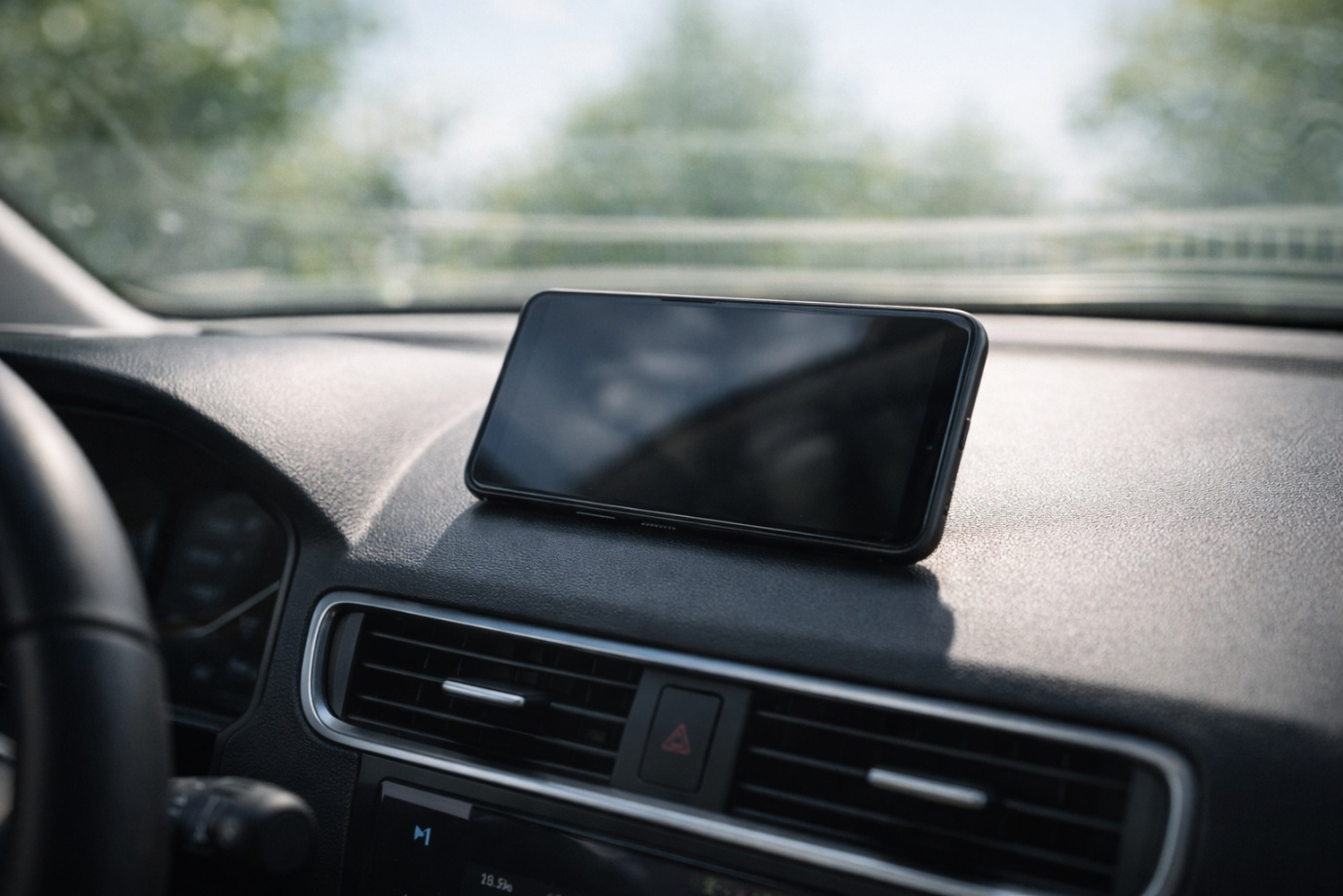
Environmental Heat Traps
Direct sunlight, hot cars, or soft surfaces can trap heat and restrict airflow, causing your phone to overheat quickly in warm weather. For instance, car interiors can reach 60 °C on sunny days, worsening the problem and causing the phone's temperature to rise rapidly.Fix:
Don’t charge your phone on a bed or sofa. Keep it out of direct sunlight, make sure it has good airflow, and take it out of your pocket if you’re sitting in hot weather.Software Bugs, Outdated Systems, or Malware
A buggy app, outdated software, or malware can consume your CPU in the background, causing your phone to overheat.
Fix:
Keep your Android system and apps up to date. If your phone overheats after installing a new app, remove it. If problems persist, check for malware.
Your Step-by-Step Cooling Action Plan
Your Step-by-Step Cooling Action Plan
Turn off your phone and let it cool down for 15 to 20 minutes. Never put it in a fridge or freezer.
- Check Battery Usage: Identify and stop apps with excessive background activity.
Delete apps you don’t use or that aren’t well optimised, especially social and utility apps.
Use certified chargers and avoid using your phone while it’s charging.
Turn on Adaptive Battery to help manage app usage. It can extend your battery life by predicting and restricting the apps you rarely use, freeing up power for those you use more often. To activate Enable Adaptive Battery, go to your phone's settings, select Battery, then Battery Usage, and turn on Adaptive Battery. Lower your screen brightness and set a shorter screen timeout.
Remove the case if you’re using your phone a lot or charging it in warm conditions.
If nothing else works, back up your data and perform a factory reset if your phone keeps overheating for no clear reason. Remember, a factory reset will erase all data on your phone, so it's crucial to back up important files first to avoid accidental loss. Use cloud services or external storage to secure your data before proceeding.
Why This Matters: The Real Cost of Heat on Your Battery
Heat is the biggest enemy of lithium-ion batteries. If your phone overheats frequently, it can lead to:
- Rapid capacity loss, causing sudden shutdowns
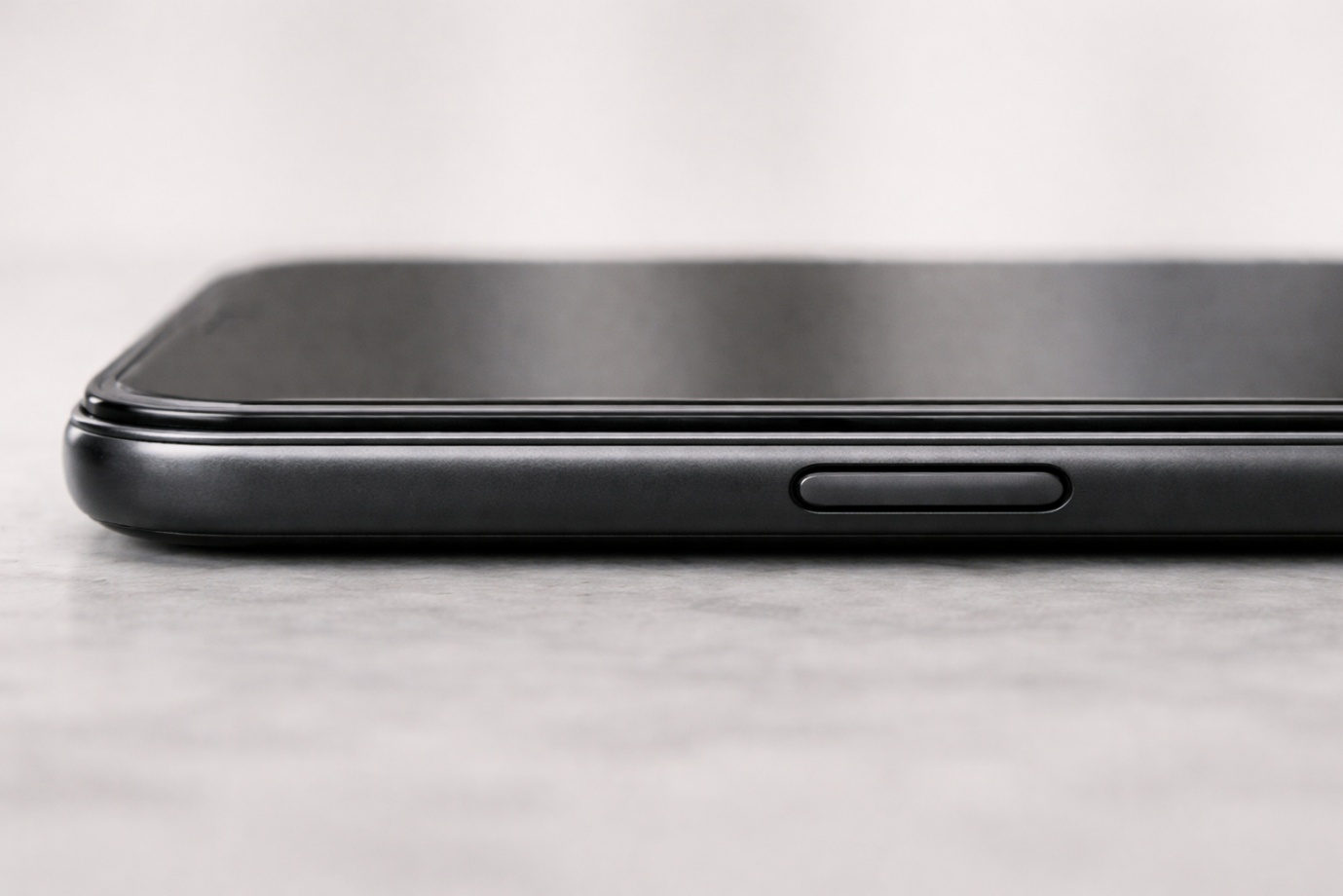
- Battery swelling, which can warp the phone’s frame or lift the screen
- Permanent battery failure, requiring early replacement
The best way to make your phone last longer is to keep it from overheating.

FAQ: Your Overheating Questions, Answered
Is phone overheating dangerous?
Yes. If your phone overheats often, it can damage internal components and, in rare cases involving battery problems, pose a safety risk.
Can I cool my phone faster in the fridge?
No. Cooling your phone too quickly can cause moisture to build up inside, potentially permanently damaging it.
Why does my phone overheat when using the camera?
It’s normal for your phone to get a little warm. If it gets too hot, it might be a software bug. If the problem keeps happening, close the app and clear its cache.
When should I see a repair professional?
If your phone overheats when you're not using it, drains the battery very quickly, or shows bulging or screen separation, get it repaired right away. Bulging can appear as a bulge in the phone's back casing. bending outward or the screen rising above its normal frame. Screen separation might be noticeable if the edges of your phone screen start to lift off the casing. These are serious issues that require immediate attention.
Final Thought
An overheating phone is a warning sign. Learn what causes it, follow these steps, and bring your phone back to a safe temperature. Start the Cooling Action Plan now. A cool phone is a healthy phone. Pick one fix to try today and see the difference. Remember, small steps today can lead to a cooler, more efficient phone in the long run.

Leave a comment
Your email address will not be published. Required fields are marked *